
Updated for Patch 0.1.6

How to Play

Everything you need to jump into Avalon Heroes, from creating your account to mastering the quiz system, gathering resources, and gearing up your hero.

3 playable heroes 2 game modes English · Español · 日本語
Play Now
The Core Loop
Fight Battle waves of enemies with your hero.
Answer Questions pop up as you play. Accuracy matters.
Earn Gold, materials and loot chests.
Gear Up Shop, craft and equip, then go again.

1

Getting Started

1
Create an Account or Play as GuestSign up to save your progress, keep your items between sessions, and access the full game. Guest mode lets you jump in right away, but your gear won't carry over.
2
Enter the LobbyAfter logging in you land in the lobby. Check your inventory, visit the shop, and see your character stats before entering a session. In a class session you wait in the Session Hall instead.
3
Start a SessionSelect a quiz bank and jump into Horde Mode. Enemies will spawn in waves. Fight them off while answering quiz questions to power up your hero.
4
Collect Rewards & Return to LobbyWhen the session ends your quiz accuracy determines what loot you earn. Head back to the lobby, gear up with your rewards, and do it again.
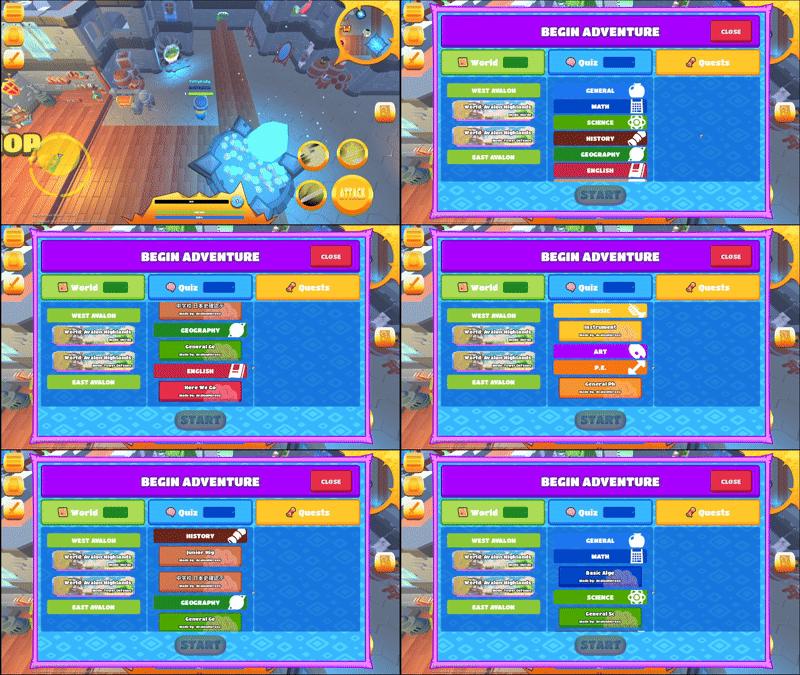
Starting an adventure with the quiz bank selector
Select your quiz bank before entering a session. Your teacher will set this up for class.
2

Playing With Your Class New in 0.1.6

When your teacher hosts a session, you join with a room code and get ready in the Session Hall until your teacher starts the match.
1
Join with the room codeEnter the code your teacher shows, or scan the QR code on the board.
2
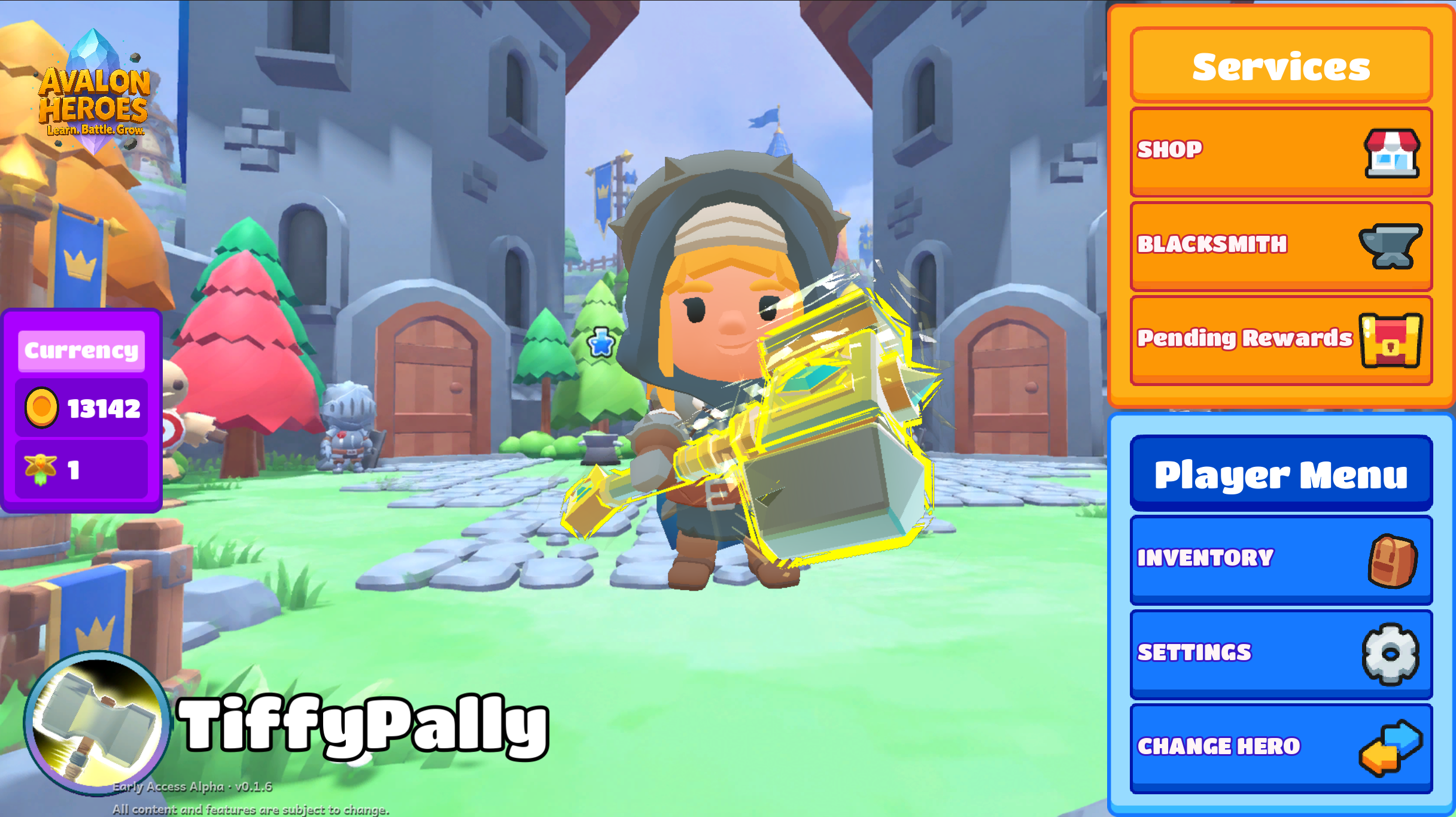
Get ready in the Session HallVisit the Shop and Blacksmith, claim Pending Rewards, check your Inventory or change heroes, all with simple buttons.
3
Play togetherWhen your teacher starts, everyone loads into the map together. Afterwards you return to the Session Hall for the next round.
The Pending Rewards button glows when you have rewards waiting. Claim them before the next round!
The Session Hall menu
The Session Hall: shop, craft, claim rewards and change heroes while you wait for your teacher.
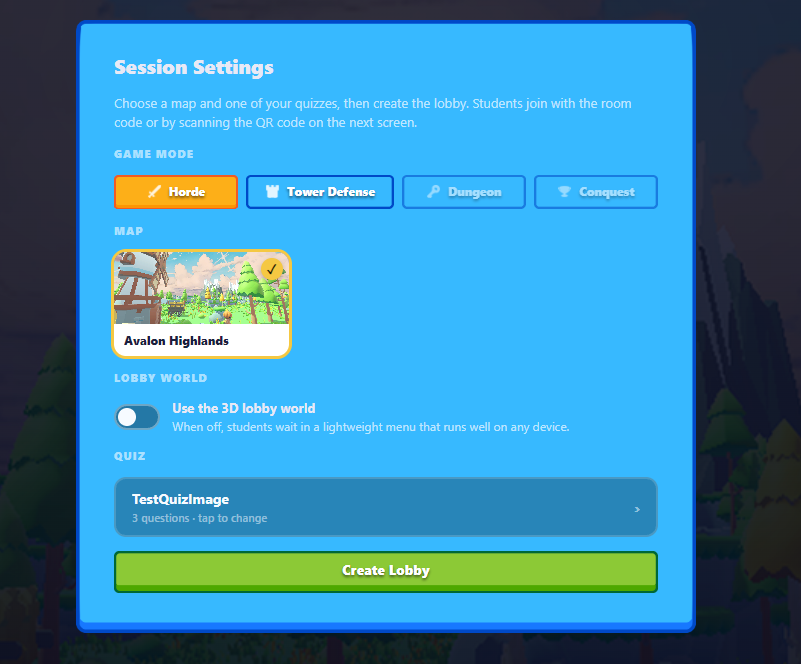
The 3D lobby world option in Session Settings
Teachers choose the lightweight Session Hall or the full 3D lobby when creating a session.
3

Controls

WASD
MoveNavigate the arena in all four directions.
LMB
AttackSwing your weapon or use your basic ability.
123
AbilitiesUse your class abilities. They unlock as you level up during a session.
ShiftRMB
BlockRaise your shield to block incoming hits (needs a shield).
F
InteractTalk to NPCs, open the shop/blacksmith, and mine resource veins.
IC
Open InventoryAccess your items, armor, and weapons. Drag to equip.
Z
Sheath / UnsheathDraw your weapon for combat or put it away.
Esc
MenuOpen settings, report a bug, or change heroes.
TAP
Touch Controls (iPad)Use the joystick to move and the on-screen buttons to attack, use abilities, block and interact.

Controls are subject to change during development.

4

The Quiz System

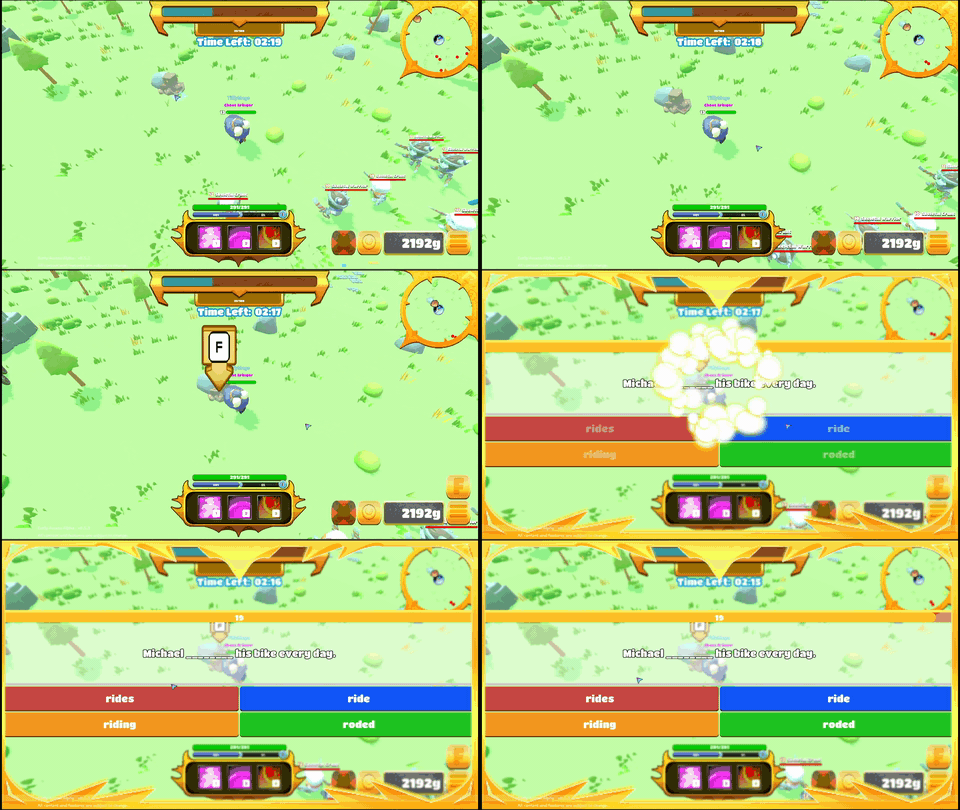
During sessions quiz questions appear on screen. Answer correctly to boost your performance. Wrong answers still let you fight, but your accuracy at the end determines what loot you receive.
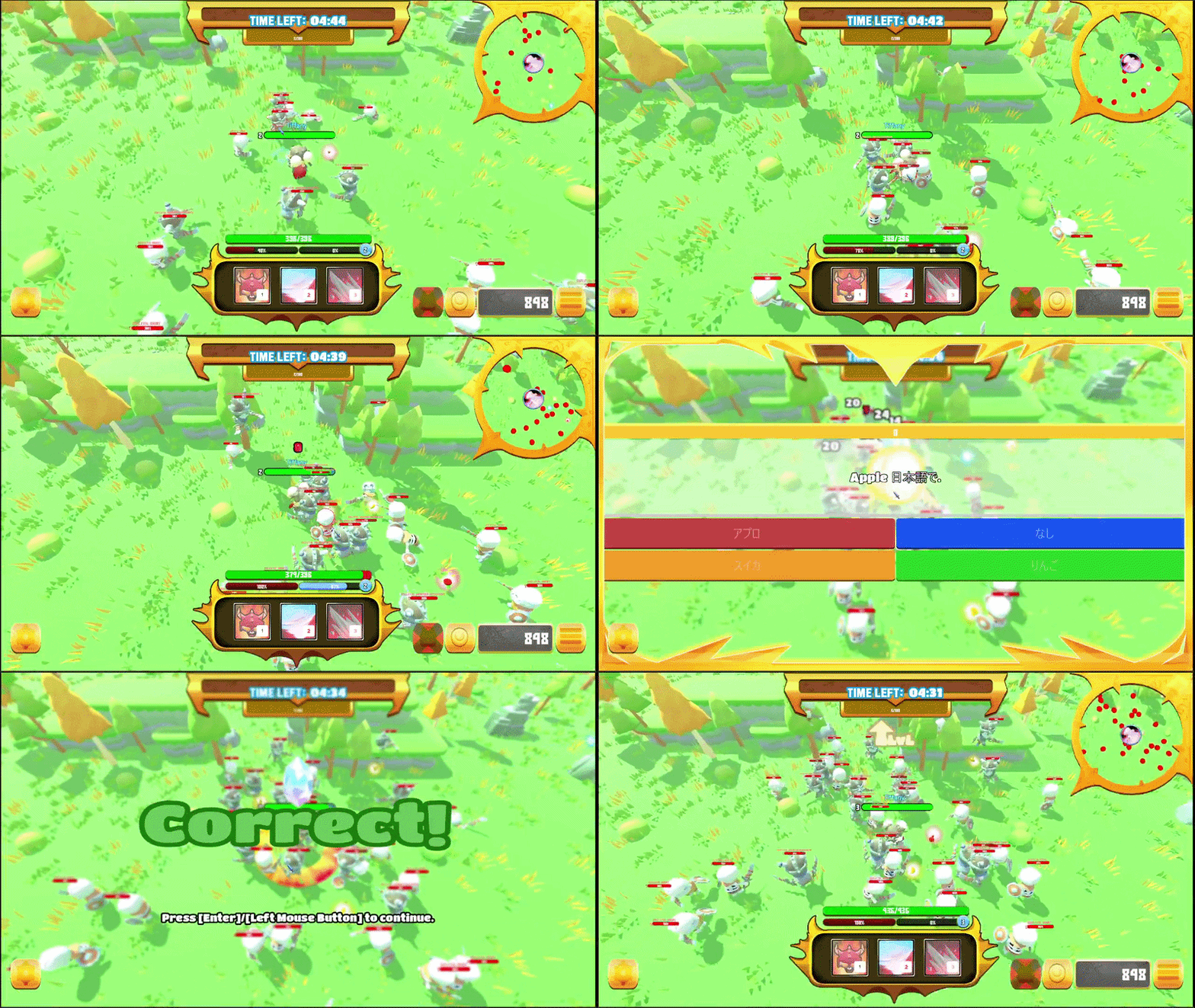
Quiz display during gameplay
Quiz questions appear during combat. Keep fighting while you answer. Don't stop moving!
📝 Questions come from your teacher's quiz bank.
Your teacher sets the topic: you answer, fight, and earn rewards based on how well you do.
⚠️ Minimum 7 questions required
Your accuracy is only calculated if you answer at least 7 questions in a session. Short sessions still give gold.
5

Loot & Quiz Accuracy

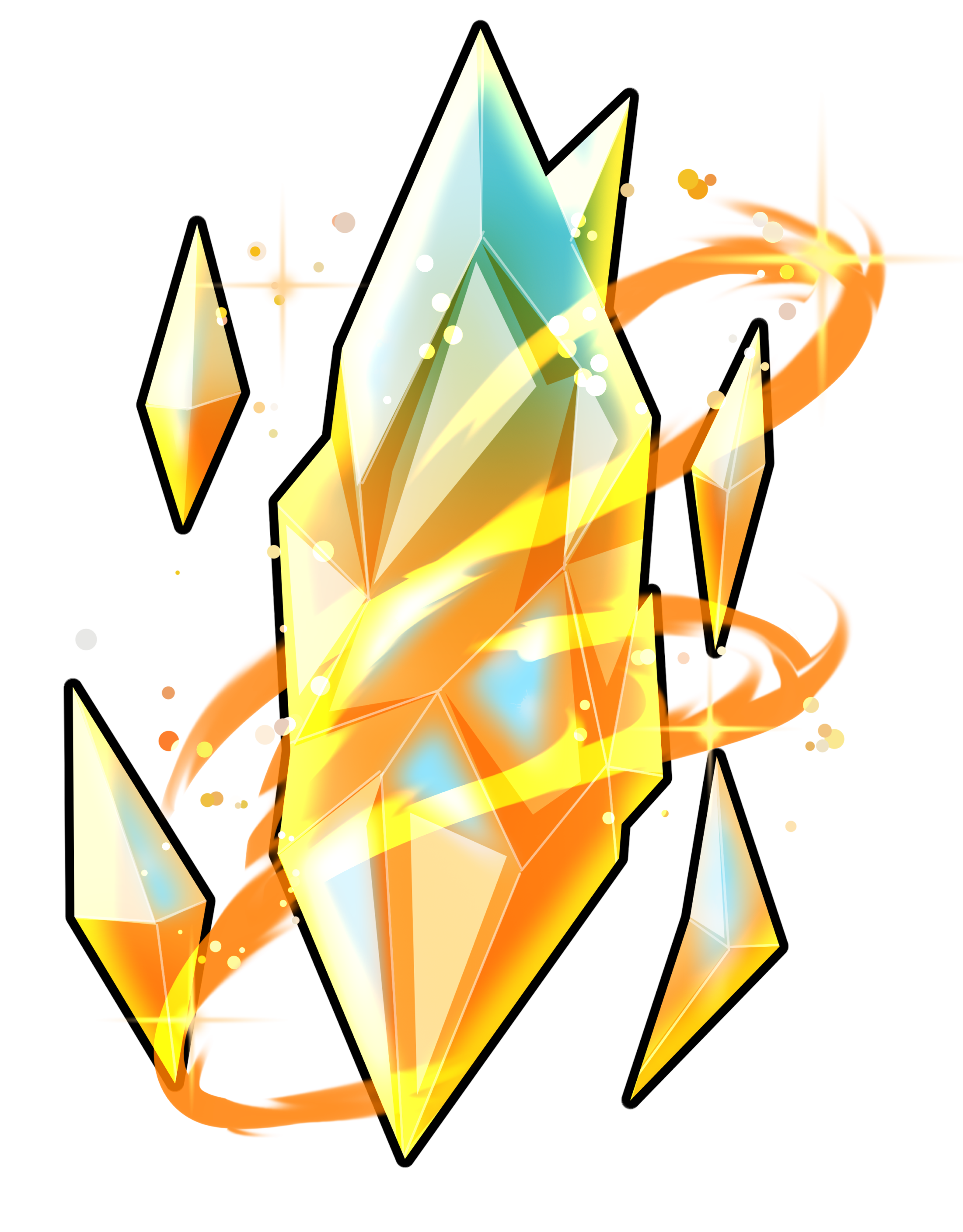
Your quiz accuracy at the end of a session determines which loot pools you can access. Answer well: get better gear. This is the core loop of Avalon Heroes.
100%
Perfect
Legendary & Chroma gear added to pool. Epic armor + weapon chests.
90–99%
Master
Epic & Rare armor chest + Epic & Rare weapon chest. Gold reward.
80–89%
High
Uncommon armor chest only. No weapon chest. Gold reward.
70–79%
Mid
Common armor chest only. Gold reward.
<70%
Low
Gold only: no gear chests.
Loot rewards based on quiz accuracy
The end-of-session reward screen: your accuracy score opens different loot chests.
6

Game Modes

Horde

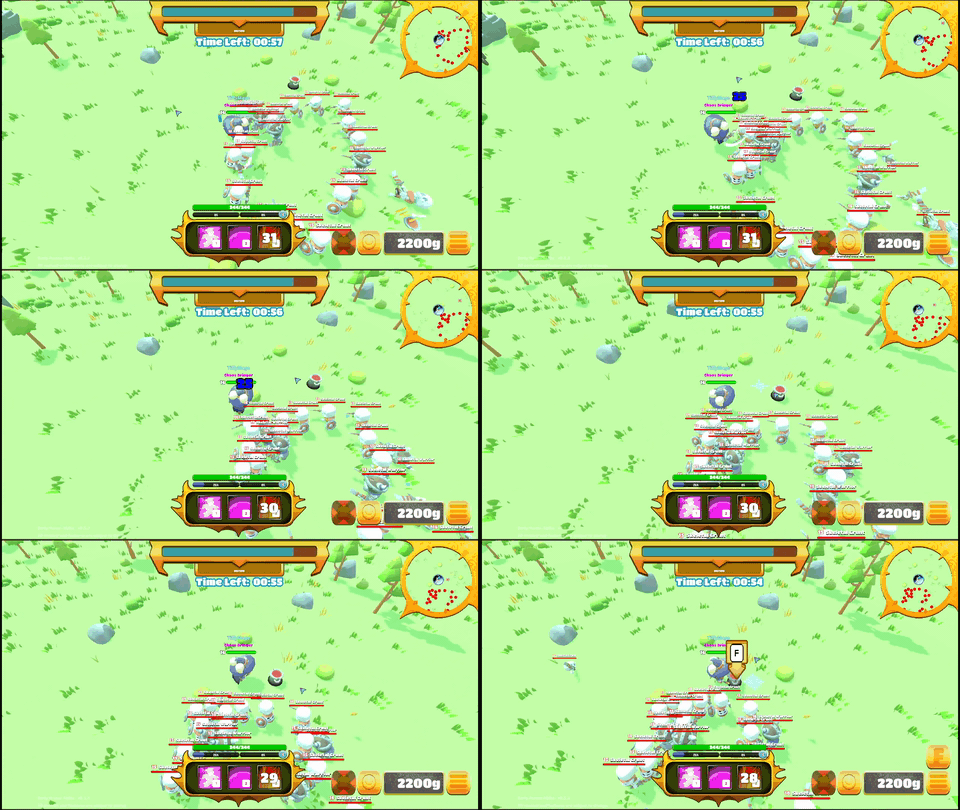
Every world has its own objective that must be completed before the session timer runs out. In Avalon Highlands, the mission is to defeat 400 undead enemies. Work with your team to hit the target. Fail the objective and the session ends without full rewards.
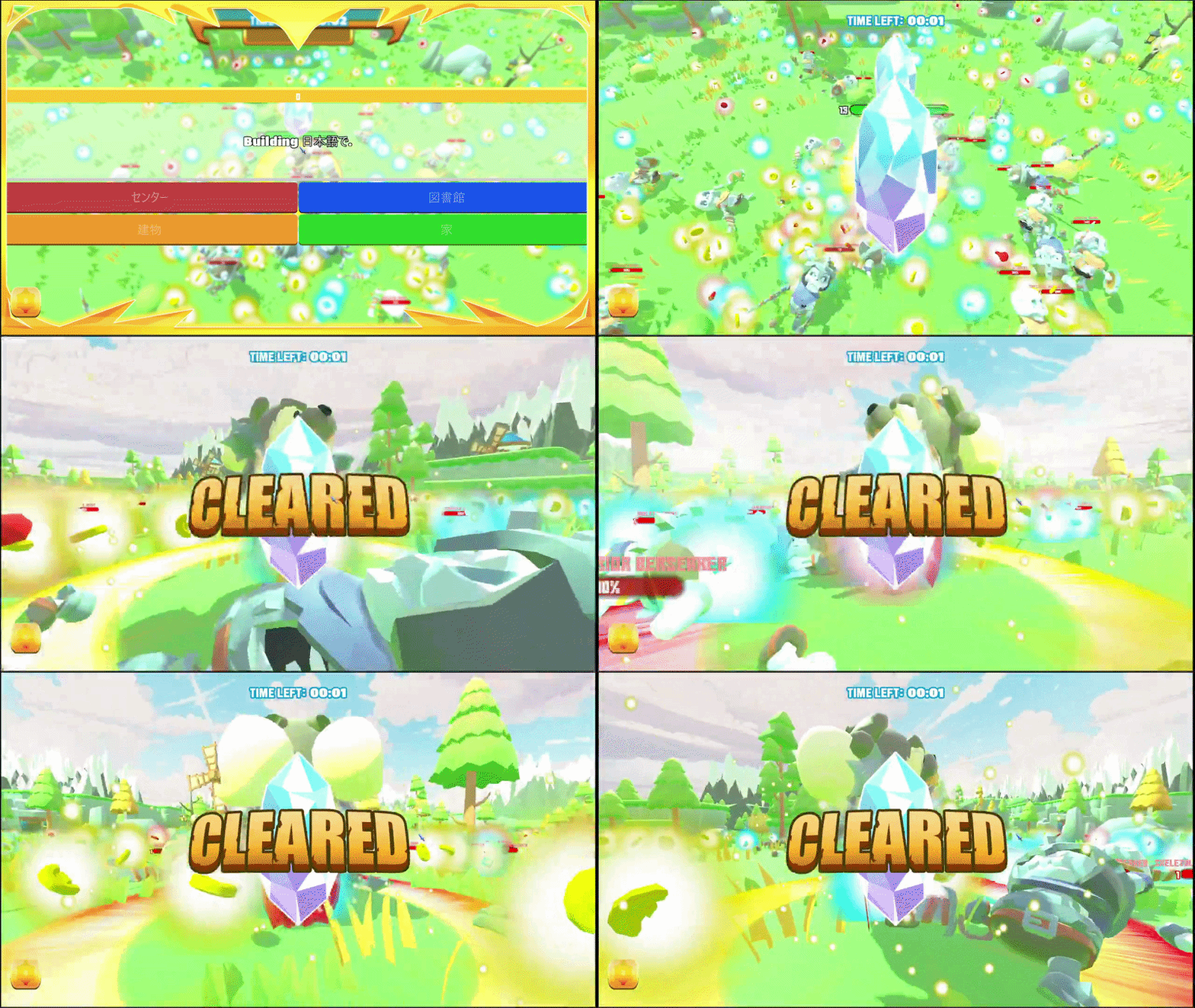
Completing the world objective in Horde Mode
Avalon Highlands: defeat 400 undead before time runs out to complete the world objective.
Tower Defense New in 0.1.6

Protect the windmills of Avalon Highlands from waves of undead. Enemies march straight for them, so split up, defend each windmill, and keep answering to stay strong. If every windmill falls, the match is lost.

7

The Shop

Between sessions visit the shop in the lobby to spend your gold on gear. Gold is earned every session regardless of quiz accuracy, so even if you're struggling with the questions, you're always making progress.
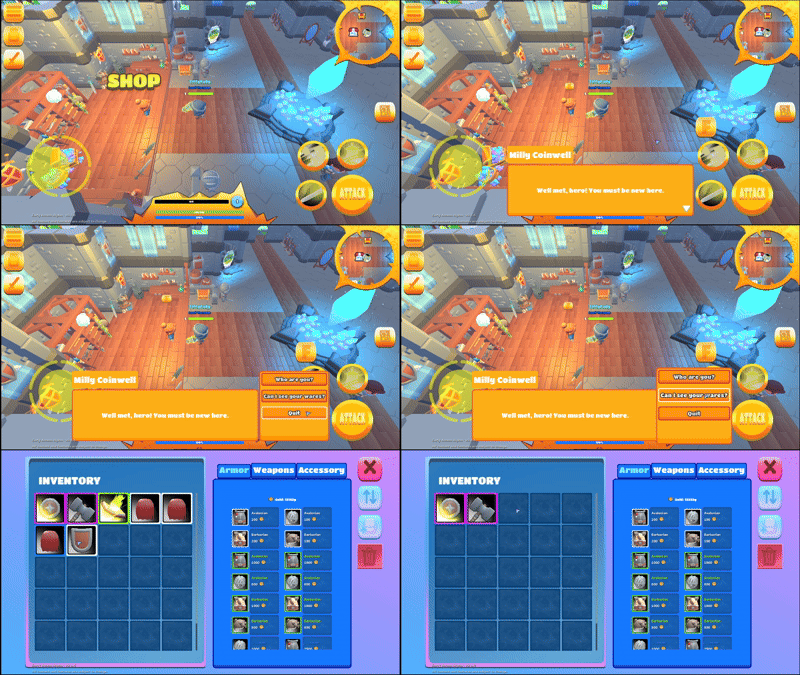
Buying gear in the shop with gold
Spend gold earned in sessions to buy armor and weapons from the shop. Epic cloaks are available too!
Interact with the merchant using F (or tap on iPad) to open the shop. Browse armor, weapons, and accessories, then use your gold to upgrade your hero before the next session.
8

Resources & Gathering

Mineral Veins are scattered around the map: Copper, Iron, Silver, and Gold Ore. Answer a quiz question correctly at a vein to mine it for crafting materials. Dispensers work the same way, but hand you an instant burst of Health, Mana, EXP, or Gold instead.

Copper
Common ore
Iron
Common ore
Silver
Uncommon ore
Gold Ore
Rare ore
Quest Marks
Unlock recipes
Mining a mineral vein
Mine a vein by answering the question it presents.
Using a dispenser
Dispensers hand out an instant Health, Mana, EXP, or Gold burst.
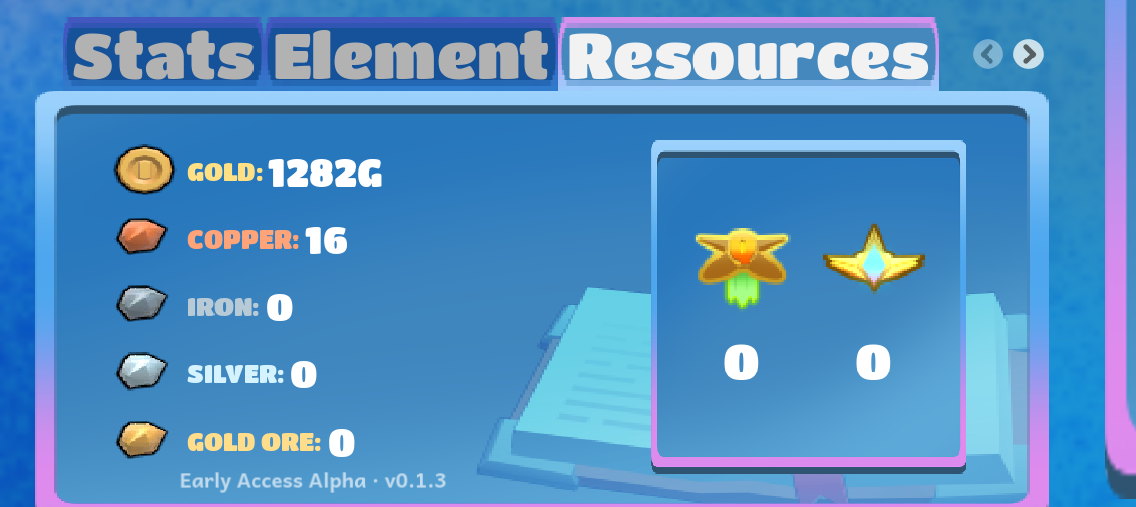
Materials are account-wide. Everything you gather is shared across every character on your account, same as gold. Check your live totals in the Resources panel on your dashboard.
Resources panel on the Student Dashboard
Your dashboard's Resources panel: banked Copper, Iron, Silver, Gold Ore, and Quest Marks, alongside Gold.
9

The Blacksmith

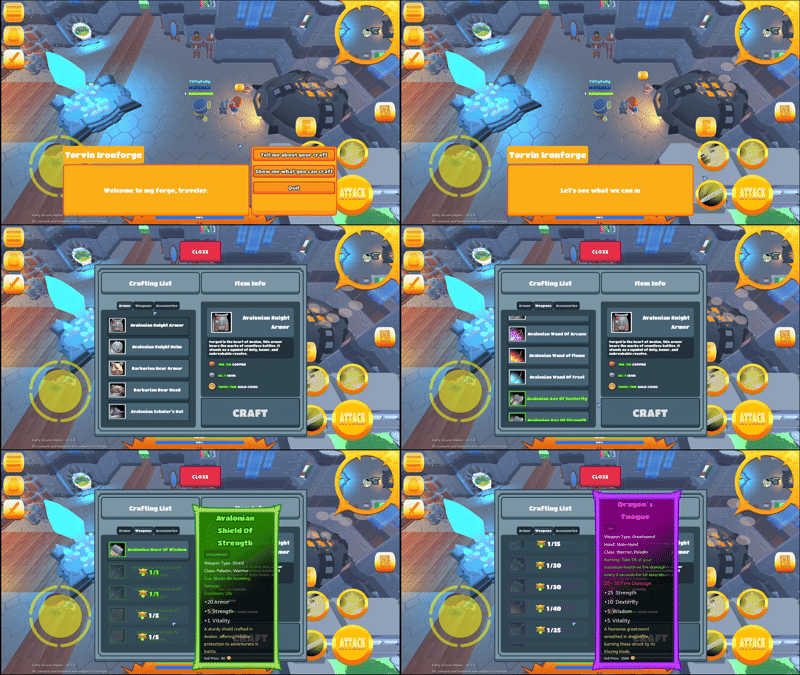
Turn gathered materials into gear. Every recipe is sorted by Armor, Weapons, and Accessories, so you always know what you're working toward.
1
Browse the catalogVisit the blacksmith to see every craftable item, sorted by slot type.
2
Unlock the recipeMost recipes start locked: hold to unlock one using Quest Marks. Some are craftable on sight with no unlock needed.
3
Craft itPay the gold fee and spend your gathered materials to finish the item.
Crafting at the Blacksmith
The Blacksmith's crafting catalog: unlock with Quest Marks, then craft with materials + gold.
10

Daily Quests

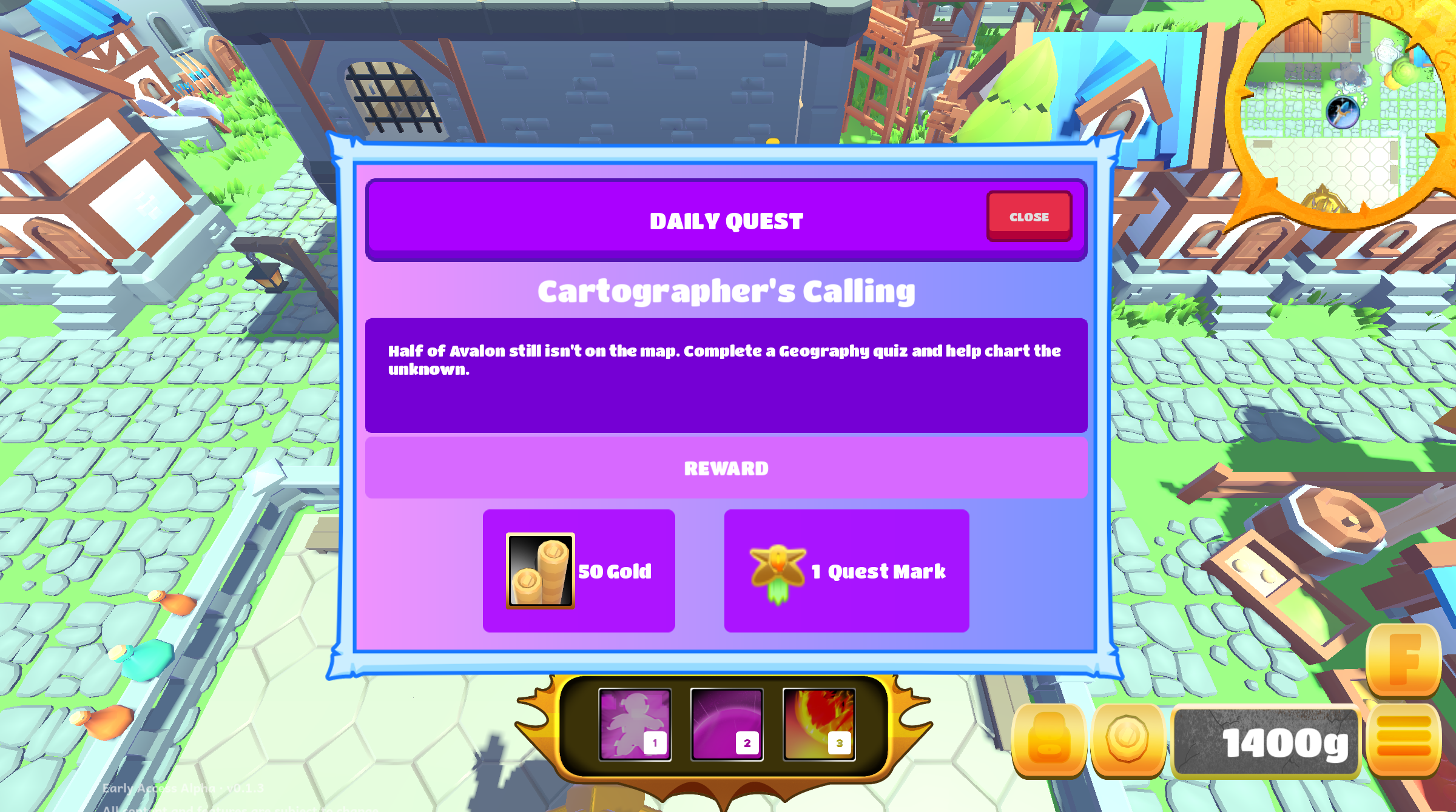
TODAY'S QUEST Complete a quiz in today's featured subject: reward waits at the Aether Shrine.

A new quest goes live every day. Complete a quiz session in that day's featured subject (any subject counts on a General day) and you're done: it doesn't matter if you win or lose the fight, as long as you got at least one question right.

1
Play a session in today's subjectAnswer at least one question correctly, win or lose.
2
Return to the Aether ShrineA popup and a glowing shrine let you know your reward is ready to claim.
3
Claim Gold & Quest MarksQuest Marks are what you'll spend at the Blacksmith to unlock new recipes.
Daily Quest complete notification
Daily Quest complete: head to the Aether Shrine to claim Gold and Quest Marks.
11

Inventory & Equipment

Press I at any time to open your inventory. Drag items from your bag into equipment slots to gear up your hero.
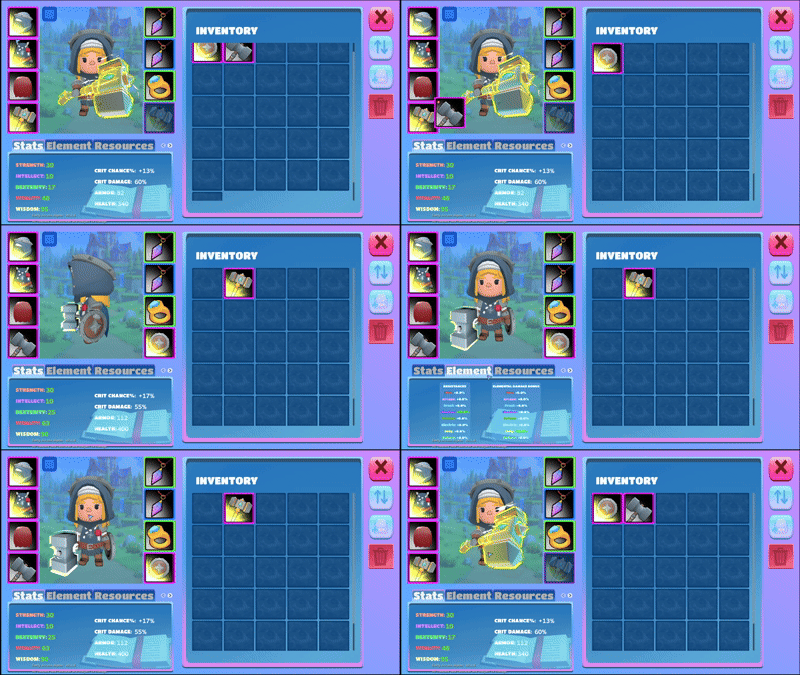
Equipping gear and viewing character stats
Drag and drop gear into equipment slots: your stats update instantly when you equip better items.
Bag: Items
Avalonian Greatsword
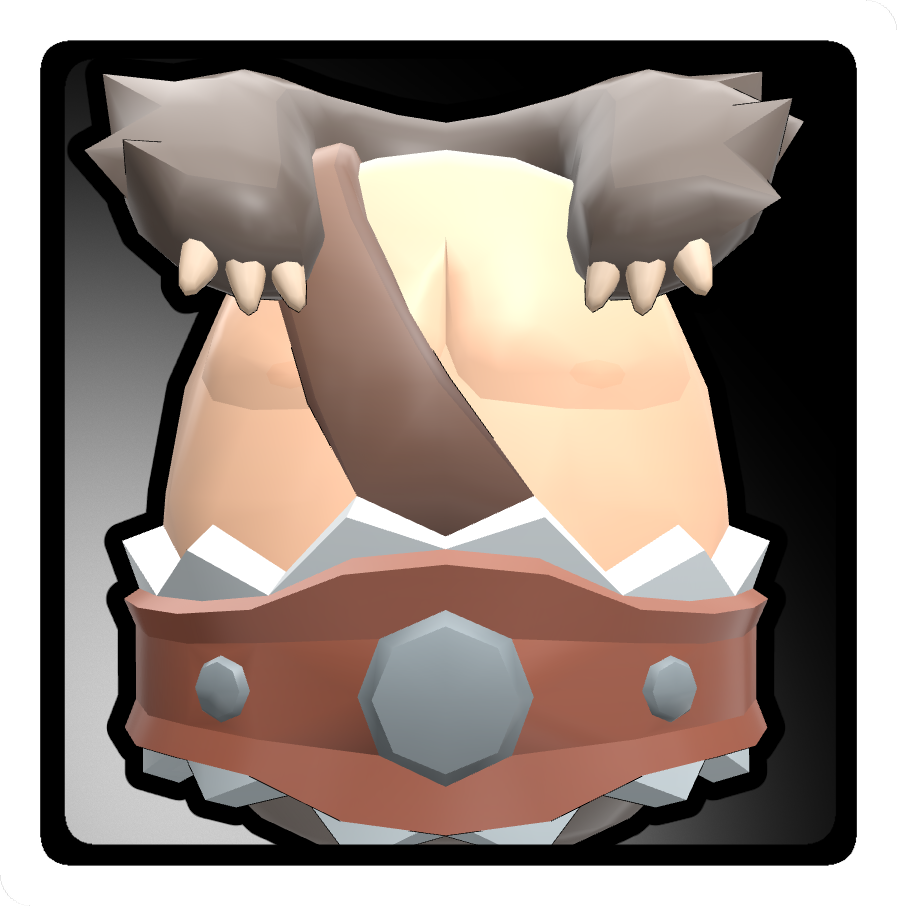
Barbarian Bear Armor
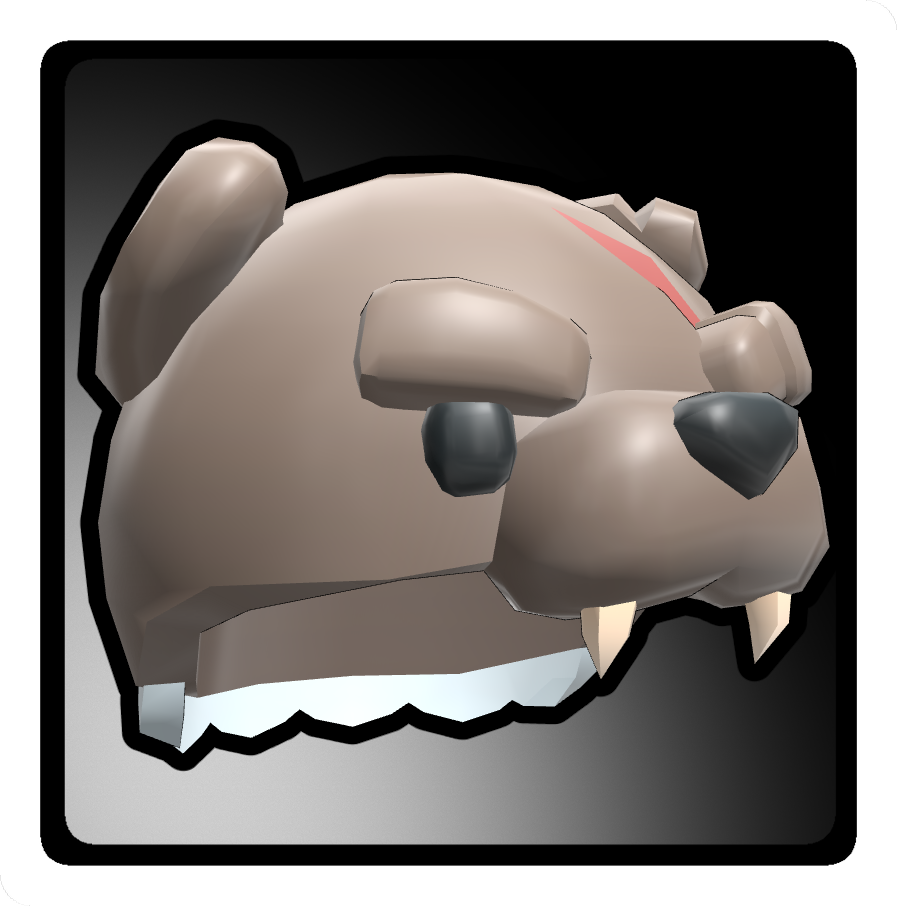
Barbarian Bear Helm
Avalonian Axe
Avalonian Cape

Starter gear comes with your character: check your bag when you first log in!
Equipment Slots
HeadBarbarian Bear Helm
ChestBarbarian Bear Armor
WeaponAvalonian Greatsword
Off-handEmpty (2H weapon)
BackAvalonian Cape
AccessoryEmpty
Drag & Drop to Equip
Click and hold any item in your bag and drag it to the matching equipment slot. On iPad, hold and drag to equip. Double-tap to sell items in the shop.

12

Stats

Your hero has five core stats. Better gear raises these values. Check your character sheet in the inventory to see your current numbers.

STR
Strength
Increases weapon damage. More STR = harder hits every swing.
VIT
Vitality
Increases your maximum health. More VIT = harder to kill. Gear bonuses carry into the lobby.
DEX
Dexterity
Increases attack speed and critical hit chance. Both have a cap, so mix DEX with other stats.
WIS
Wisdom
Boosts all healing you receive by a percentage, up to double. A favorite of Paladins.
INT
Intellect
Powers ability and spell damage for casters like the Mage.
Answering the level-up question, then choosing a stat gem
Level up by answering a question, then pick a stat gem. Answer quickly for a better shot at rare gems.
13

Hero Classes

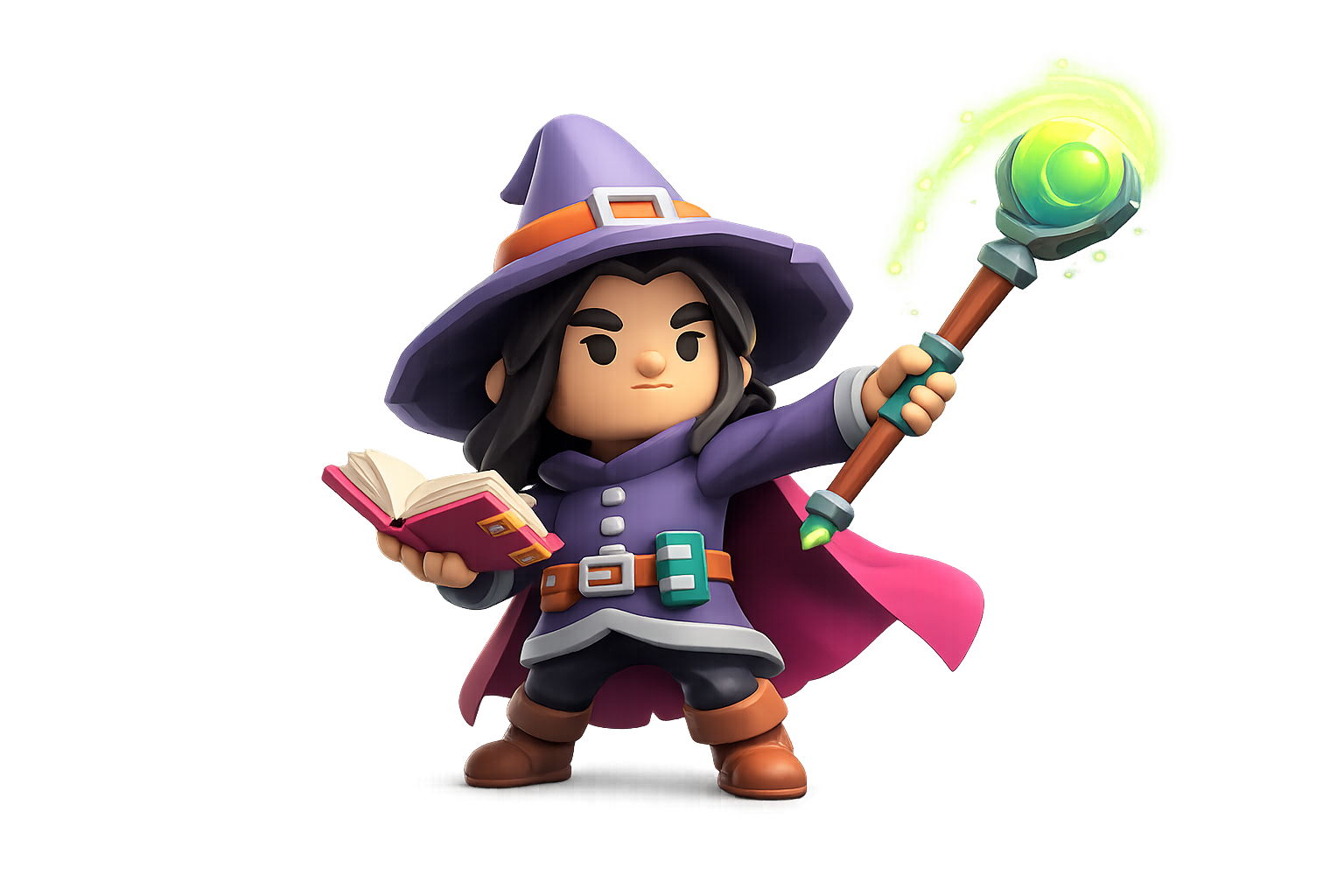
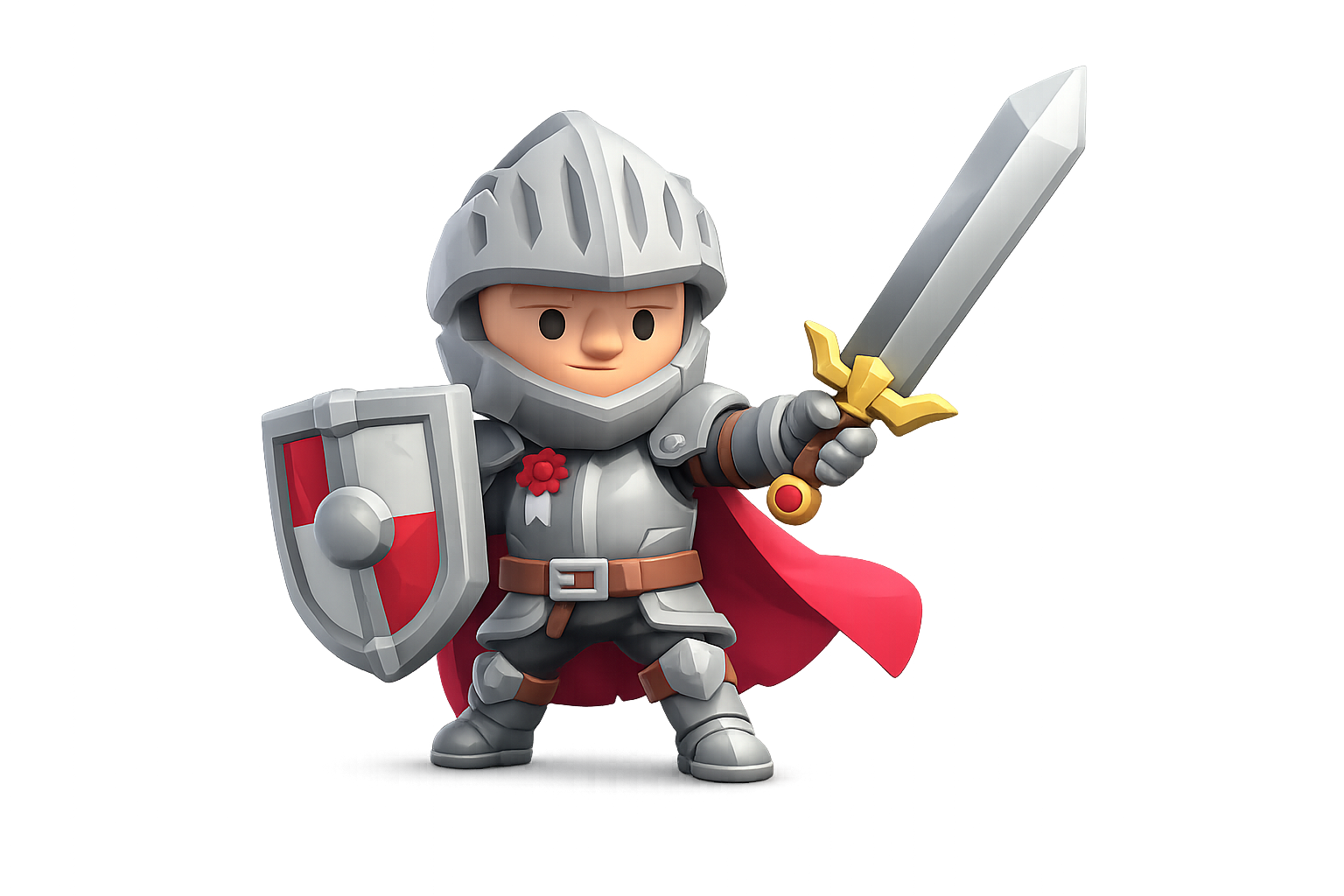
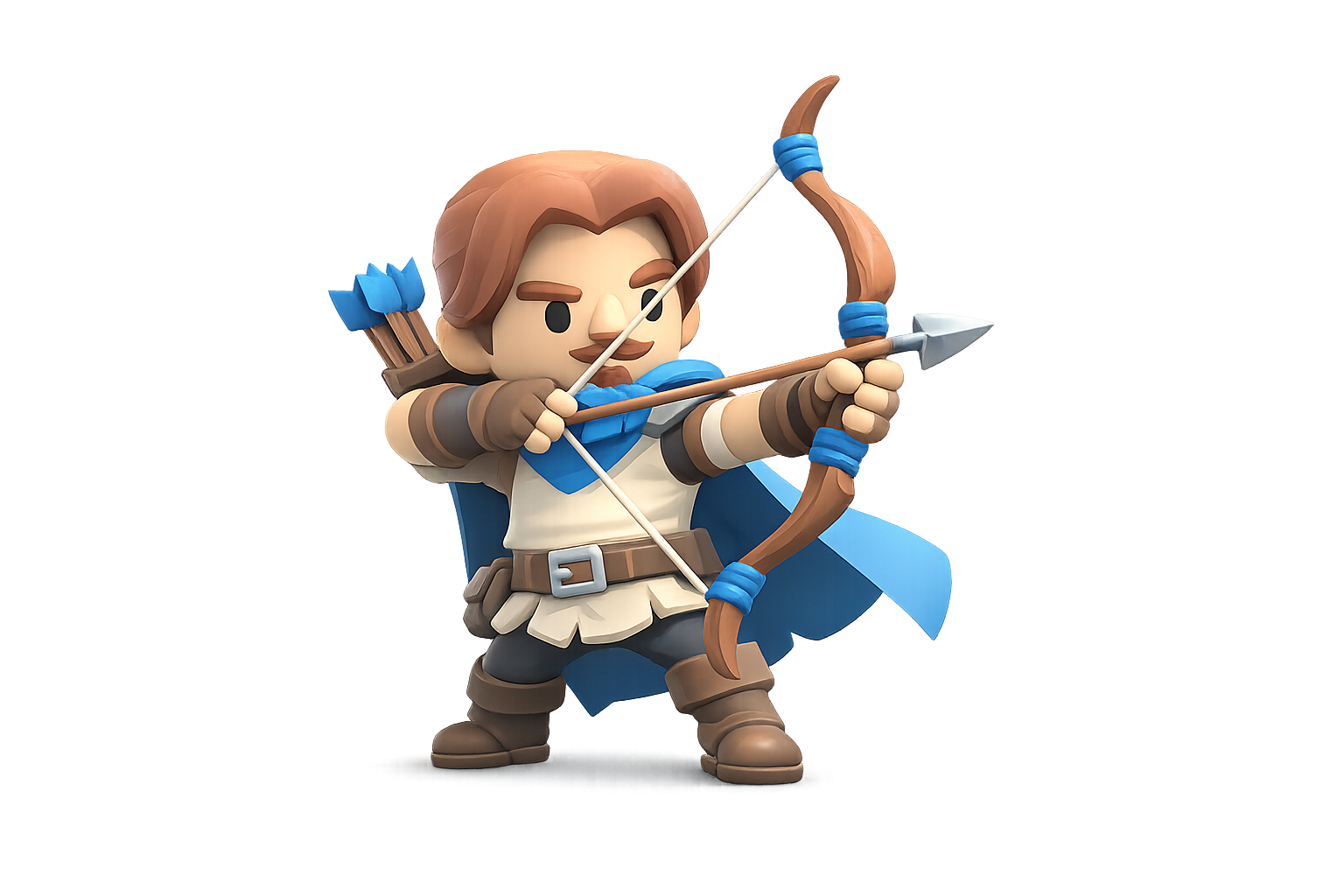
Seven hero classes are planned for Avalon Heroes. Warrior, Mage and Paladin are playable now. More classes arrive in future patches.
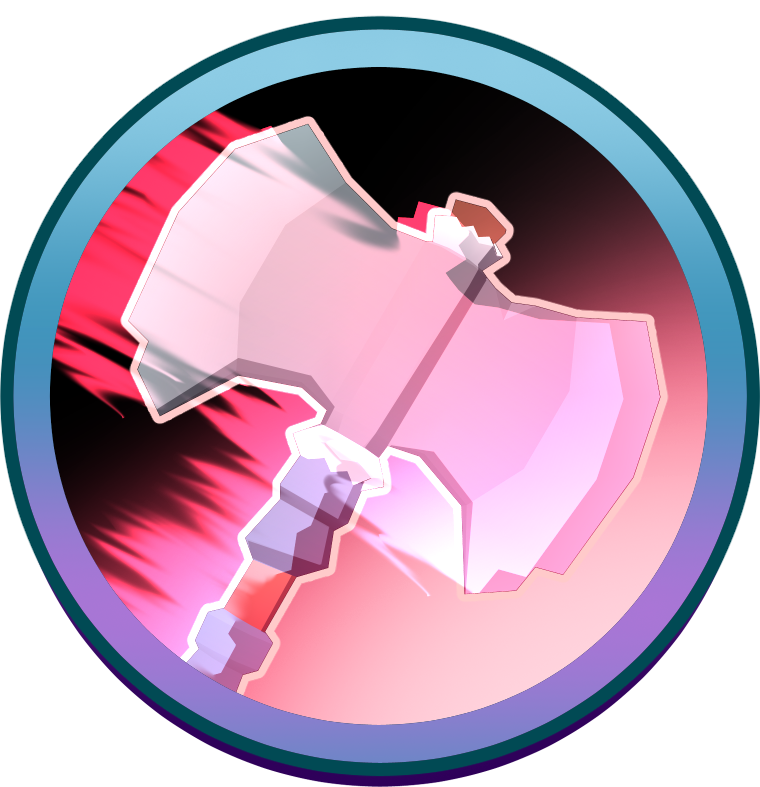
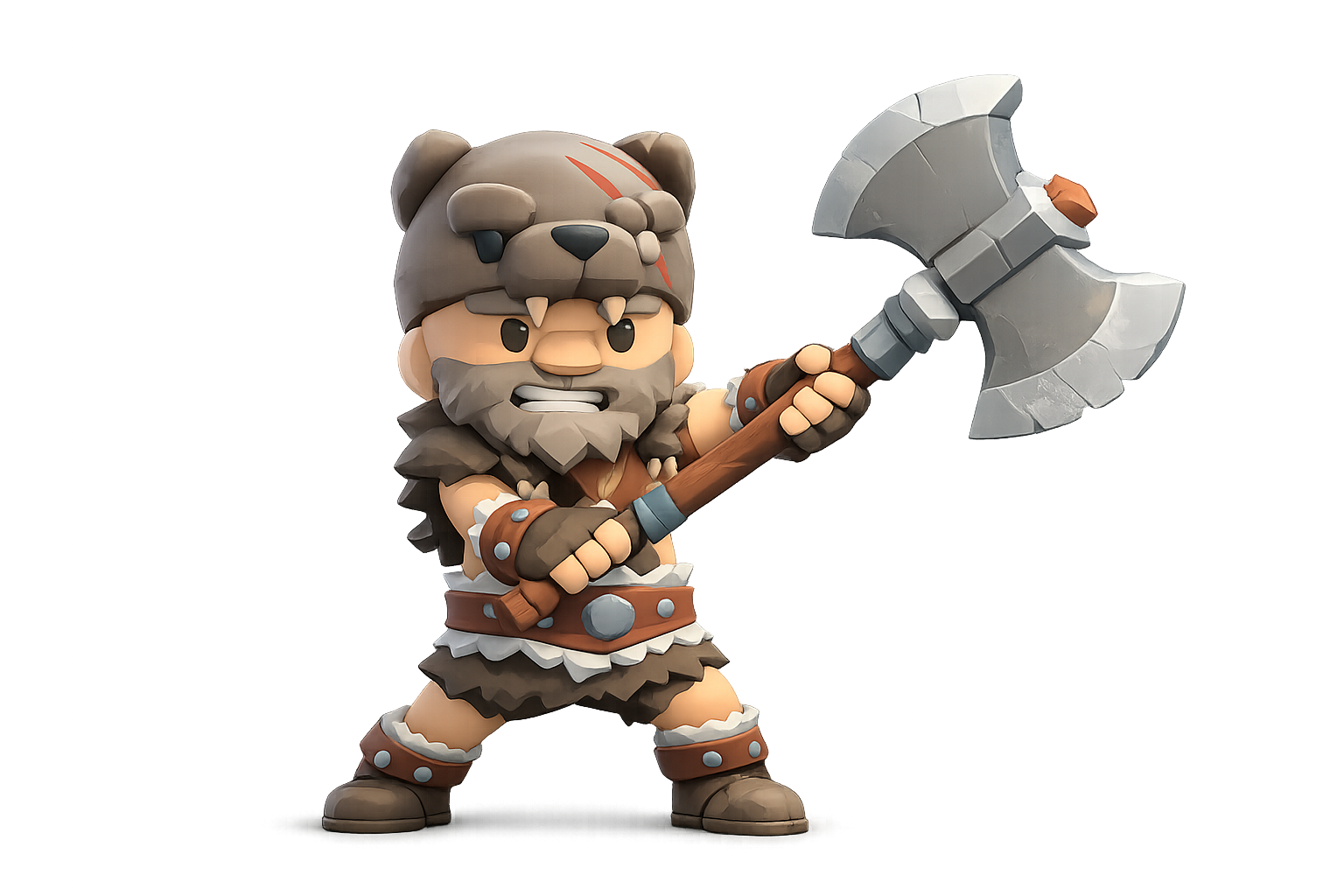
Warrior
Warrior
Frontline brawler who builds Rage to unleash devastating area attacks. Durable and satisfying to play.
Playable in 0.1.0
Mage
Mage
Ranged spellcaster who trades heavy armor for burst damage: Blink to reposition, Unstable Arcane for quick ranged hits, Meteor Strike to burn the ground beneath the horde.
Playable in 0.1.3
Paladin
Paladin
Holy warrior who shields allies and sustains through fights with divine power.
Playable in 0.1.6
Ranger
Ranger
Skilled archer who kites enemies with traps and long-range precision strikes.
Coming Soon
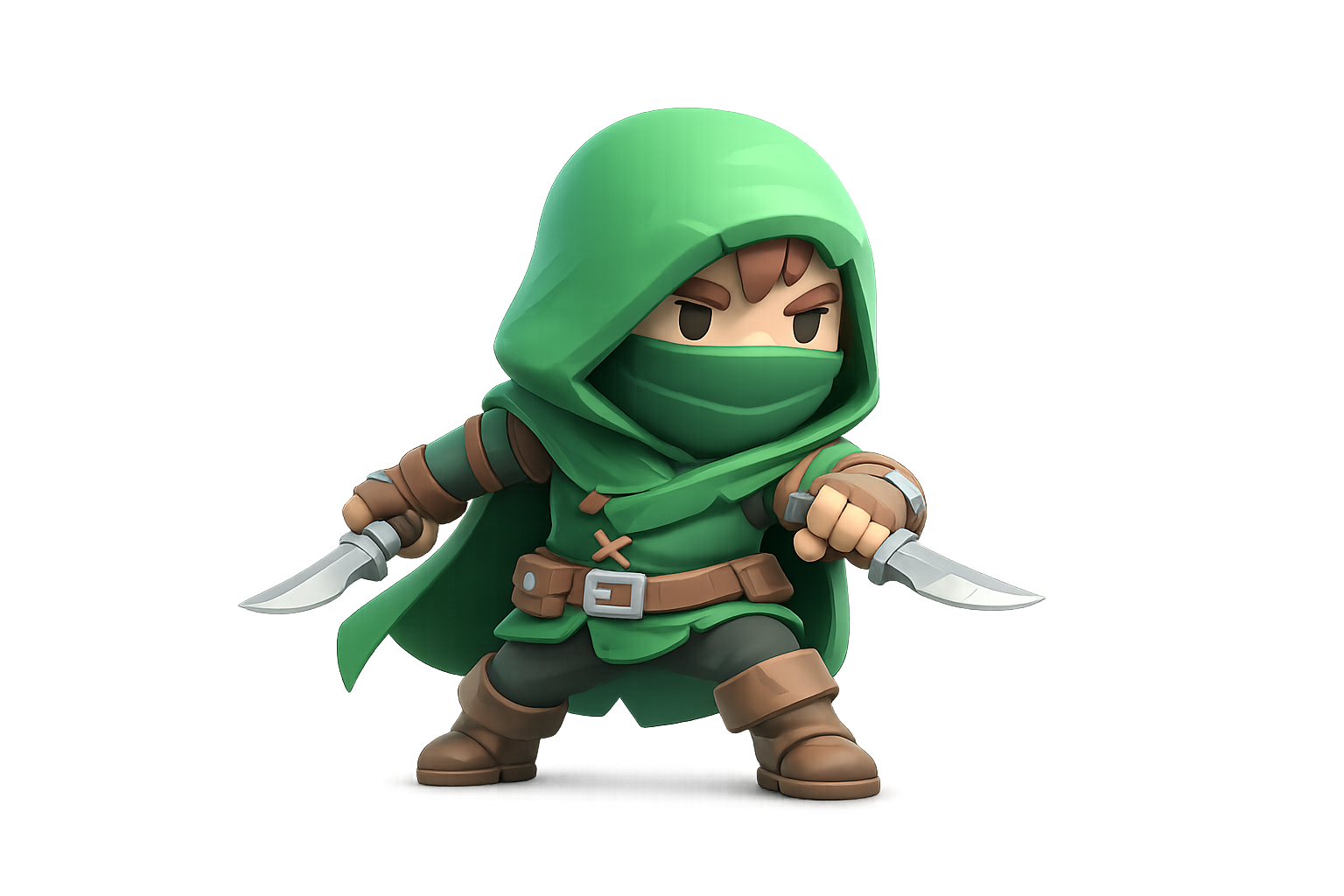
Rogue
Rogue
Fast duelist who chains combos and punishes distracted enemies with brutal backstabs.
Coming Soon
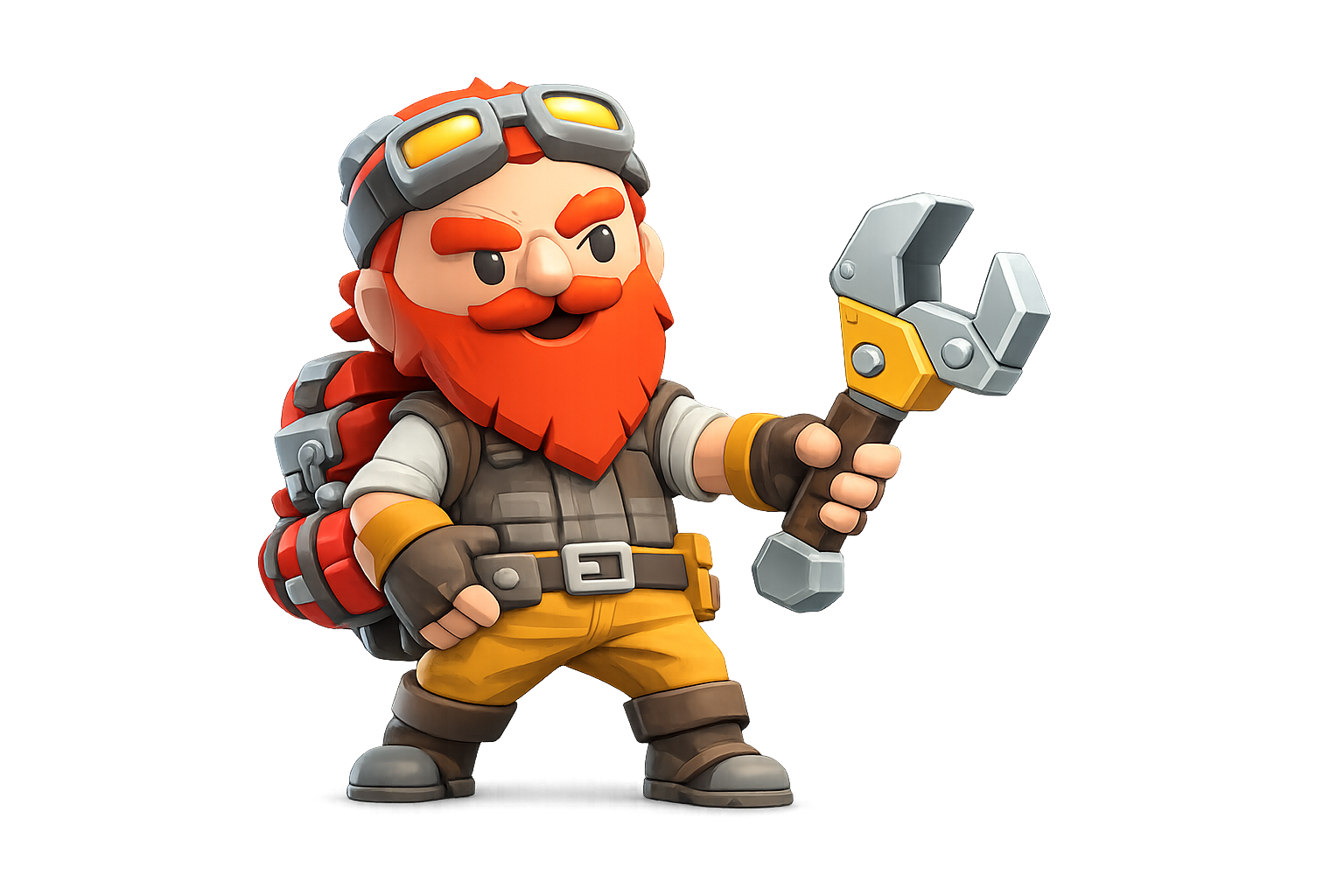
Engineer
Engineer
Deploys turrets and gadgets to control the battlefield from a safe distance.
Coming Soon
Druid
Druid
Harnesses nature's power to heal allies, control enemies, and shift the flow of battle.
Coming Soon
14

Character Customization

Personalize your hero before heading into battle. Choose your character's look, name, and starting class when you create your account. Your appearance carries with you across every session.
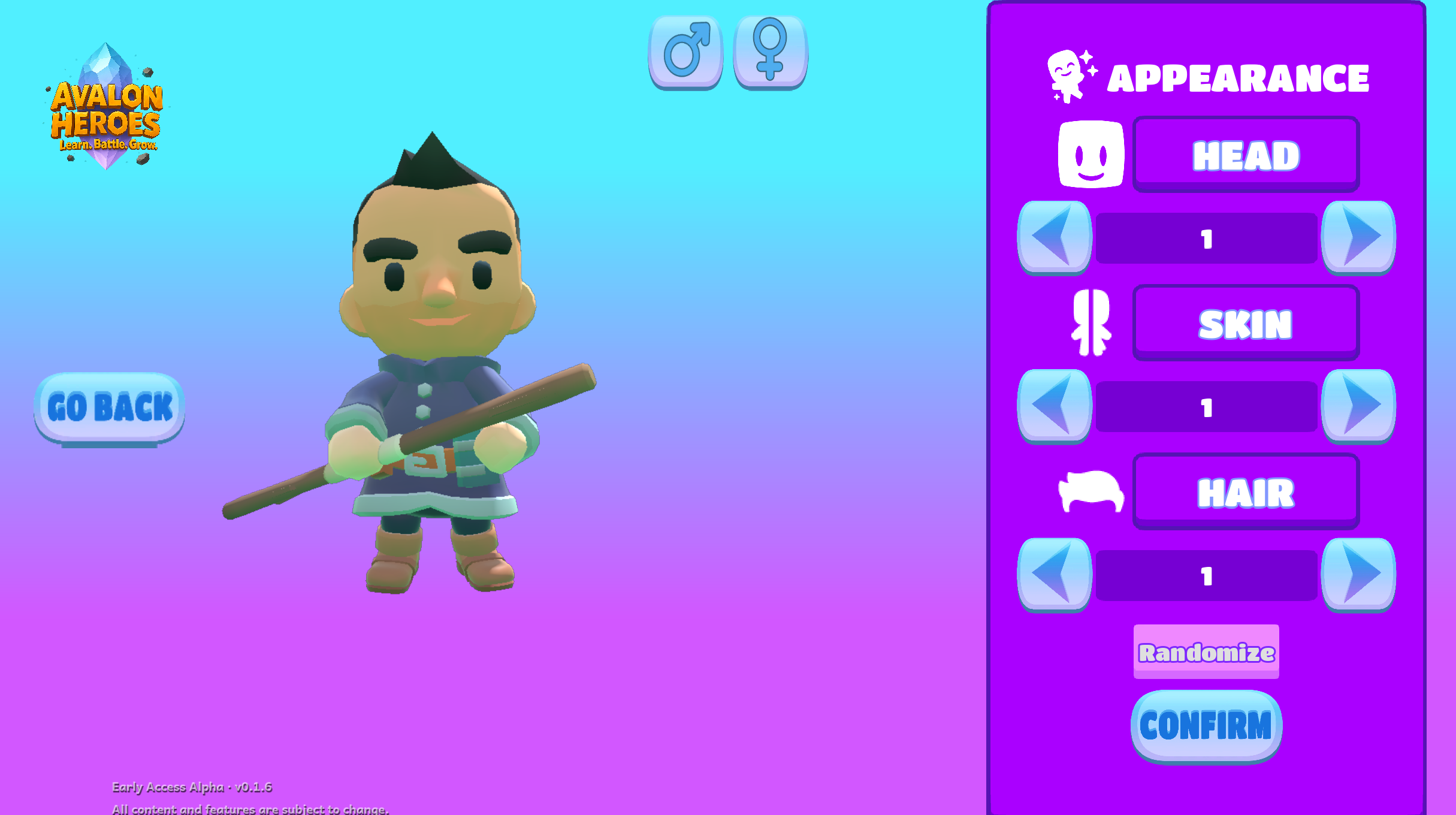
The character creator
Character creation: pick your look and get ready to enter Avalon.
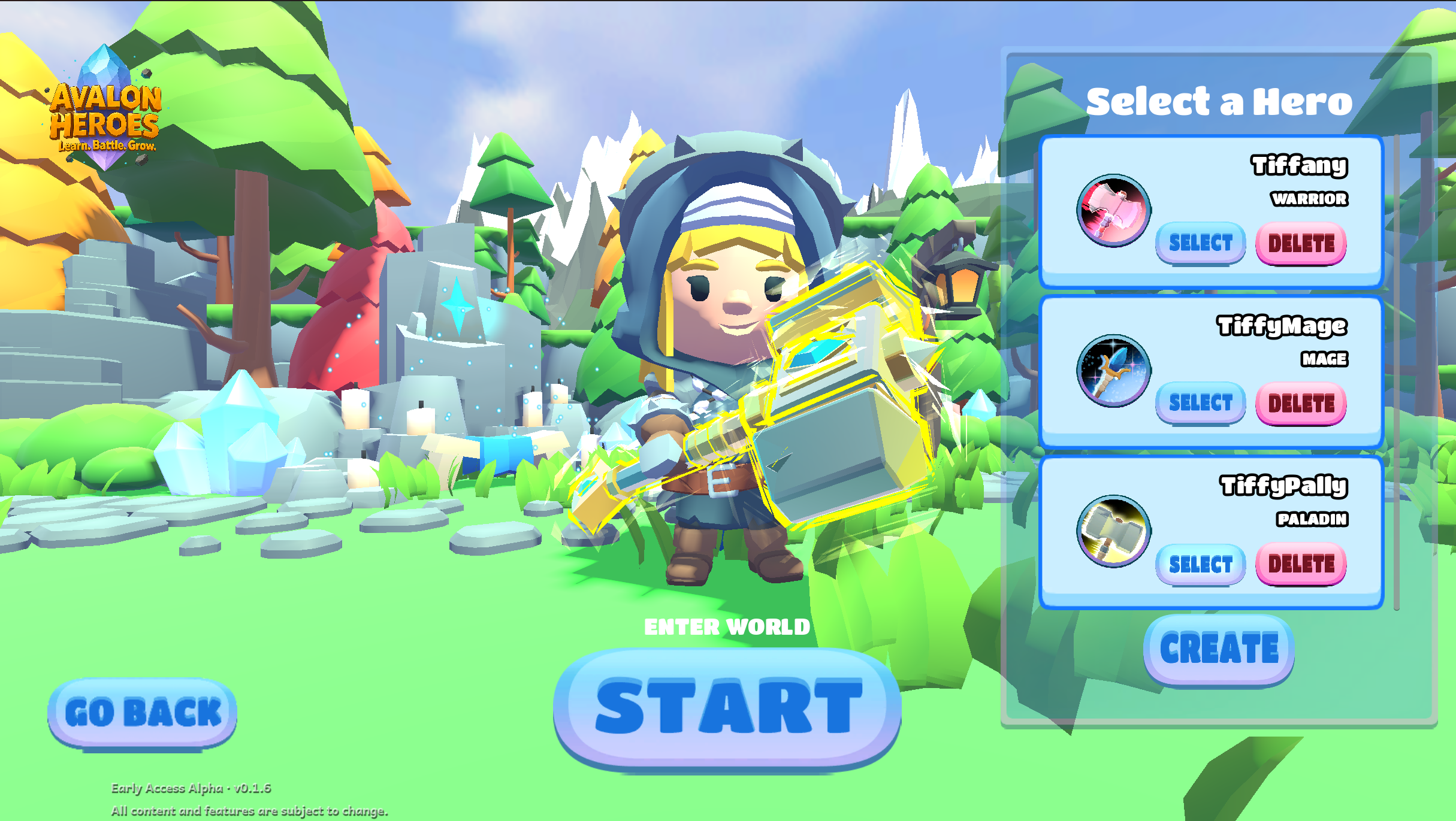
Choosing a hero on character select
Every hero on your account appears here. Select one to play, or create a new hero.
15

Beginner Tips

1
Equip your starter gear first. You start with free gear in your bag: press I and drag everything into the equipment slots before your first session.
2
Unsheath before combat. Press Z to draw your weapon. You can't attack with it sheathed.
3
Answer quiz questions as fast as you can. Your accuracy at the end of the session unlocks better loot. 90%+ opens the epic gear pool. That's the goal.
4
Keep moving. Standing still in Horde Mode gets you surrounded fast. Kite enemies around the arena and use your abilities to control space.
5
Mine on your way to the fight. Veins and dispensers are scattered around the map: a quick correct answer at a vein banks free materials without slowing you down.
6
Do your Daily Quest first. It's usually the fastest way to bank extra Gold and Quest Marks, and Quest Marks are what unlock new Blacksmith recipes.
7
Spend your gold between sessions. Gold carries back to the lobby: visit the merchant (F) and upgrade your gear before jumping back in.
8
Found a bug? Use the Bug Report button in the pause menu to send a report directly to the dev team. Every report helps.

Ready to fight?

Jump into Horde Mode, answer your quiz questions, and earn the best gear Avalon has to offer.